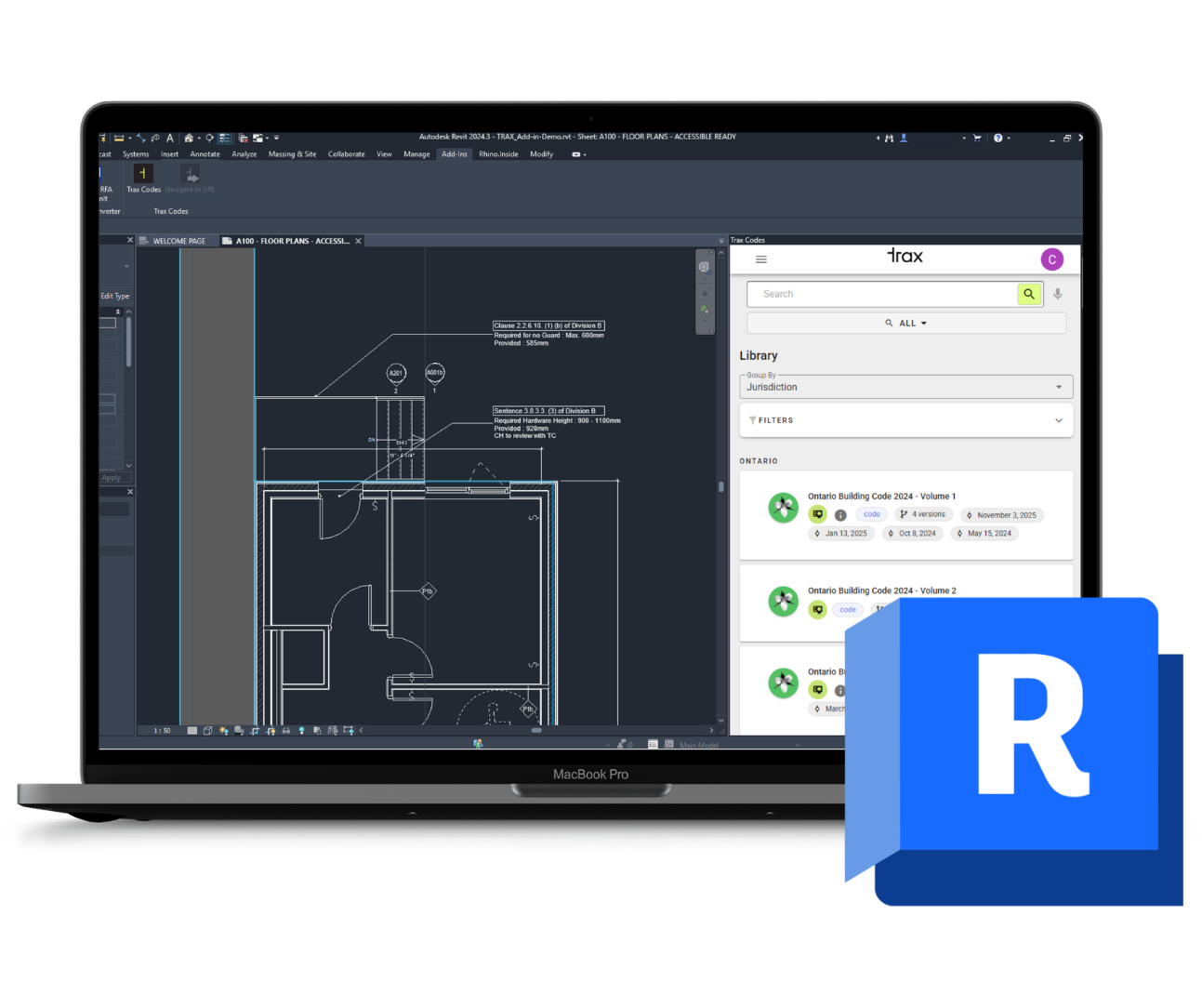
Autodesk Revit Add-in: Resources
Key Features, Installation Guide, and Demos
Resources
Key Features
Access over 20,000 pages of enriched Canadian building codes and standards directly within Revit
Get instant, reliable answers to your compliance questions using Trax Codes’ AI Question and Answer tool built into your workspace
Streamline your workflow by verifying code requirements without leaving your design environment
Compatible with Revit 2021, 2022, 2023, 2024, 2025 and 2026
How to Install
Click the ‘Install Revit Plugin’ button to download the installer.
Close Revit before running the installer and follow the on-screen instructions.
Once installation is complete, start Revit and select “Always Load” when prompted to enable the add-in.
The Trax Codes panel will appear automatically in Revit’s Add-ins tab.